










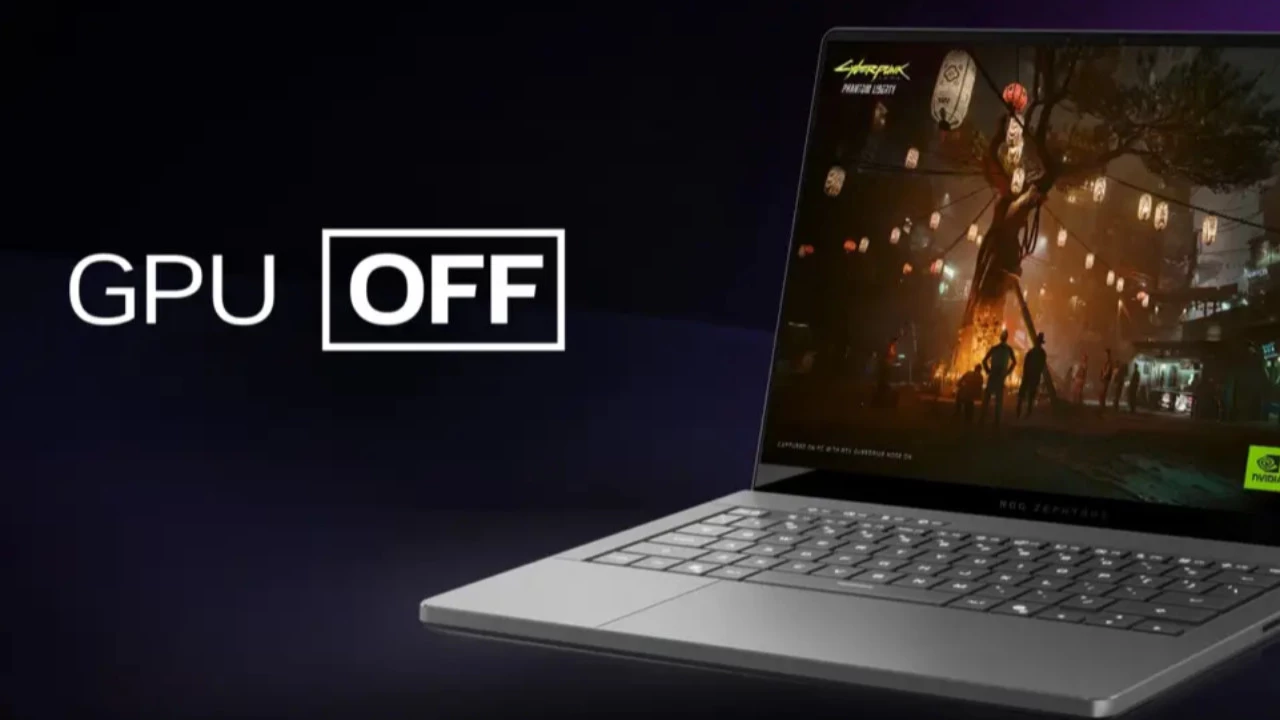
Owners of gaming laptops have encountered an unexpected and frustrating issue with Windows’ built-in cleanup system. Reports are emerging from users worldwide who discovered that their dedicated graphics card drivers had been mysteriously removed by the operating system itself. The culprit appears to be Windows’ automatic maintenance features, which can mistakenly identify essential GPU drivers as unused software when laptops operate in power-saving or eco modes for prolonged periods.
This peculiar behavior stems from how Windows monitors hardware usage patterns. When a gaming laptop runs in eco mode, the system typically relies on integrated graphics processors rather than the more powerful dedicated GPU. The discrete graphics card essentially enters a dormant state to conserve battery life. However, Windows’ cleanup utilities interpret this extended inactivity as a sign that the associated drivers are unnecessary, potentially triggering their automatic removal during routine maintenance cycles.
Understanding the Technical Background
Modern gaming laptops employ sophisticated power management systems that seamlessly switch between integrated and dedicated graphics processors. Intel’s integrated graphics or AMD’s Radeon Graphics handle everyday tasks like web browsing and document editing, while NVIDIA GeForce or AMD Radeon discrete GPUs activate for demanding applications such as gaming or video editing. This hybrid approach, known as NVIDIA Optimus or AMD Switchable Graphics, has been standard in gaming laptops for over a decade.
The Windows operating system includes several automatic maintenance features designed to optimize system performance and free up storage space. These include Storage Sense, introduced in Windows 10, and various cleanup utilities that identify and remove unused files, temporary data, and supposedly obsolete drivers. Microsoft implemented these features to help users maintain their systems without requiring technical expertise. However, the algorithms governing these cleanup processes sometimes make incorrect assumptions about what constitutes unused software.
The Growing Problem and User Reports
Gaming communities and technical forums have seen an increase in reports about this issue over recent months. Users describe scenarios where they primarily use their laptops for work or study in eco mode for several weeks, only to discover their gaming performance has drastically degraded. Upon investigation, they find their NVIDIA or AMD graphics drivers have been completely removed without any notification or consent. The problem appears to affect various laptop brands and Windows versions, suggesting it’s a systemic issue rather than manufacturer-specific.
Industry analysts note that this problem highlights the delicate balance between automated system optimization and user control. While automatic maintenance features benefit less tech-savvy users, they can create significant problems for power users who rely on specific hardware configurations. The gaming laptop market has grown substantially, reaching over $15 billion in annual sales globally, meaning millions of users could potentially be affected by this issue.
Prevention and Solutions
Users can take several steps to prevent Windows from automatically removing their graphics drivers. First, regularly connecting the laptop to a power source and running demanding applications ensures the dedicated GPU remains active. Second, users can disable or configure Storage Sense through Windows Settings to prevent automatic driver removal. Additionally, creating a system restore point before extended eco-mode usage provides a safety net for recovering deleted drivers.
Microsoft has not officially acknowledged this specific issue, though the company regularly updates its automatic maintenance algorithms based on user feedback. Graphics card manufacturers like NVIDIA and AMD recommend using their official driver management software, such as GeForce Experience or AMD Adrenalin, which can automatically restore drivers if they’re removed. Users experiencing this problem can manually reinstall drivers by downloading them directly from the manufacturer’s website or using Device Manager to scan for hardware changes.
Expert Opinion: This issue underscores a fundamental tension in modern operating system design between automation and user agency. As Windows becomes increasingly proactive in managing system resources, edge cases like dormant hardware will likely create more unexpected behaviors. Users of specialized hardware configurations should consider disabling aggressive cleanup features and maintaining manual control over their driver installations, particularly as AI-driven maintenance features become more prevalent in future Windows updates.